Adobe Firefly For Practical Post Fixes
Clients do not hire us for AI buzzwords. They hire us because a shot is almost right, but not usable yet. We use Adobe Firefly to solve those small visual problems before they become expensive delays.
Already working in Adobe and need us to handle the cleanup?
These projects usually already live inside an Adobe workflow. The client need is simple: fix the shot, preserve the process, and keep post-production moving.
You already have Adobe project files
You need an editor who can stay inside the same Adobe production environment instead of moving the project elsewhere.
A few visual problems are blocking delivery
The shot is usable, but cleanup work still needs to happen before the project can ship.
Reshooting is not an option
You need practical post fixes because the production window is already closed.
You need outside support without workflow disruption
The team wants help, but not a whole new process.
Adobe support that fits the workflow you already use
We use Firefly when it helps solve the kind of practical cleanup work clients often need inside an existing Adobe-based edit.
Background extension
Useful when footage needs extra room for reframing, titles, or vertical crops.
Object cleanup
We remove distracting visual clutter when a full VFX rebuild would be unnecessary.
Light visual repair
We patch small frame issues so the final edit feels polished instead of compromised.
Creative support assets
We use Firefly when a project needs quick design support inside the Adobe ecosystem.
Best fit for
Who is RaccoonReels?
We're a dedicated duo of video editing professionals based in Spain & Portugal, serving creators and businesses worldwide. We cut the fluff, focus on retention, and deliver high-impact stories.
Whether you are a rising YouTuber, an established brand, or a growing SaaS, we provide the post-production infrastructure to scale your content without burning you out.
Read Our Story →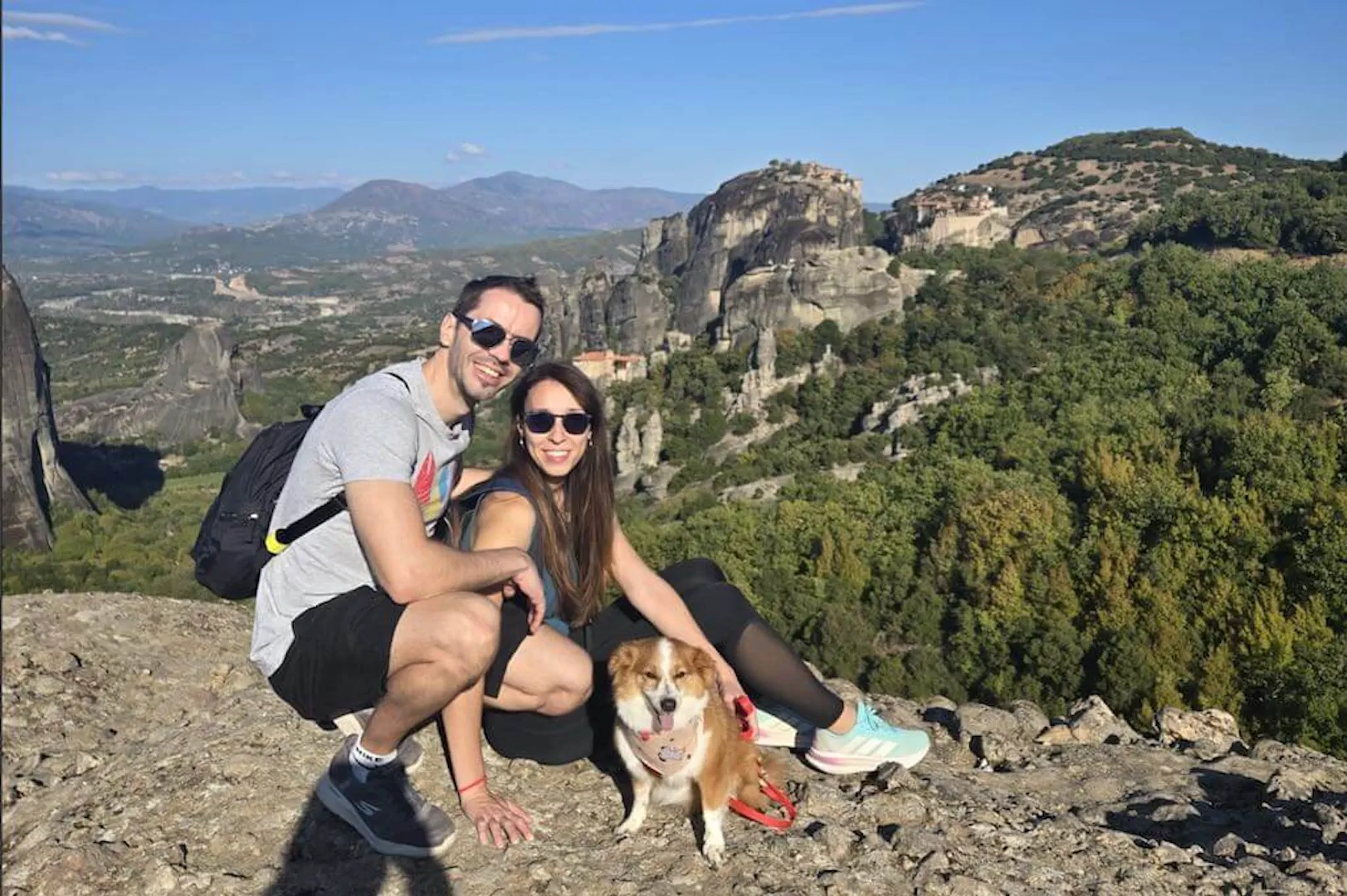
Need to rescue a nearly-usable shot?
Send the footage and we will tell you what can be fixed cleanly inside the edit.
Fix My Footage