ScreenFlow For Clean Mac-Based Screencasts
Clients usually need ScreenFlow when they want a straightforward way to turn screen recordings into polished walkthroughs, software demos, and course videos. The goal is not cinematic editing. The goal is clarity, speed, and a tutorial that feels easier to follow.
Already building tutorials in ScreenFlow?
These clients are usually already recording and editing in ScreenFlow and need outside help that keeps the same straightforward tutorial workflow intact.
You already work in ScreenFlow
You want editing support that stays inside the same Mac-based tutorial workflow your team knows.
Tutorial cleanup is eating time
Screen recordings still need pacing, structure, and visual guidance before they are ready to ship.
Your demos need to be clearer
Users miss key actions when the lesson is not edited tightly enough.
You need repeatable support
A growing tutorial or onboarding library needs outside capacity without changing tools.
ScreenFlow editing support for teams already using ScreenFlow
The value is not just that we know the software. It is that we can make your screen-based content clearer without forcing a heavier workflow than you need.
Screen recording polish
We remove hesitation, dead time, and visual clutter from the lesson.
Callout support
Important clicks, menu paths, and actions stay easier for the viewer to follow.
Tutorial pacing
We keep the lesson moving without making the instruction confusing.
Course and demo delivery
A good fit for onboarding, SaaS demos, and educational content libraries.
Who is RaccoonReels?
We're a dedicated duo of video editing professionals based in Spain & Portugal, serving creators and businesses worldwide. We cut the fluff, focus on retention, and deliver high-impact stories.
Whether you are a rising YouTuber, an established brand, or a growing SaaS, we provide the post-production infrastructure to scale your content without burning you out.
Read Our Story →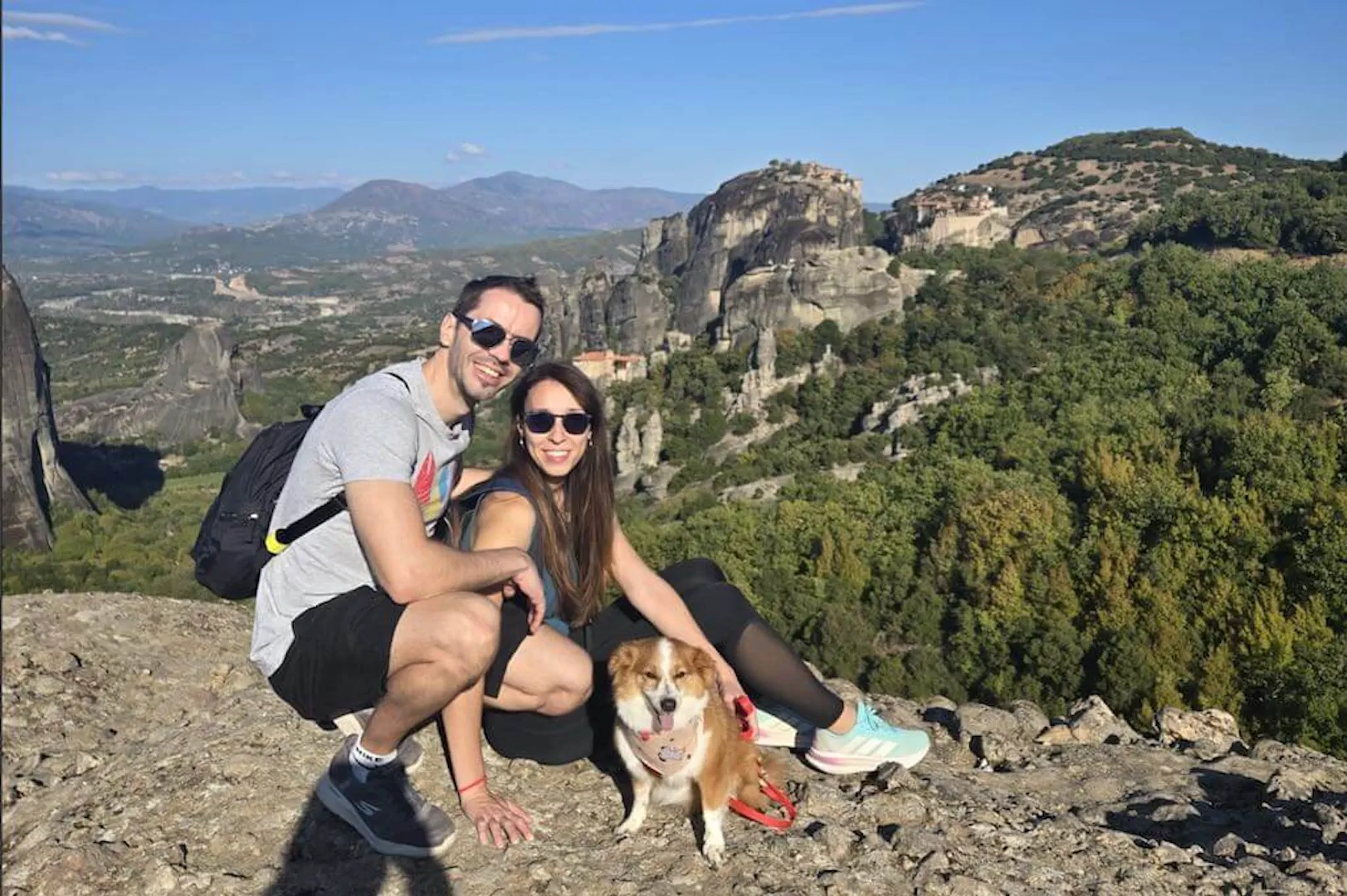
Need a cleaner tutorial or product walkthrough?
Send the screen recording or lesson outline and we will map the best ScreenFlow-based workflow.
Edit My Screencast